Ultimate Minecraft Circle Generator: Incredible 2026 Guide
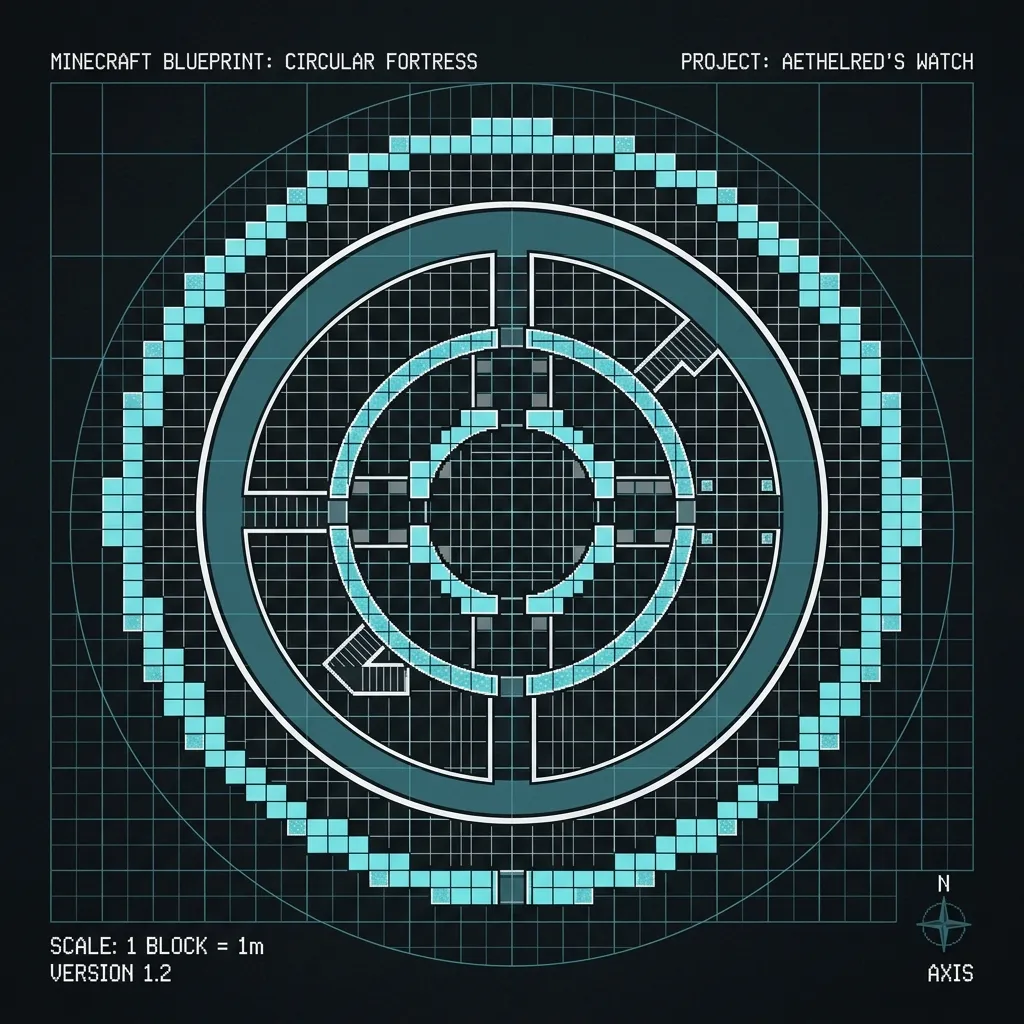
Have you ever tried to build a massive dome or a curved tower in Minecraft, only to realize that placing square blocks to form a perfect circle is incredibly frustrating? You're not alone. Building curves in a grid-based voxel world is notoriously tricky.
Our generator tool was designed to completely eliminate this guesswork. Instead of counting blocks and tearing down lopsided structures, you can get a pixel-perfect blueprint instantly.
Why Precision Matters
For years, players have struggled with manual calculations. A single misplaced block near the center of a 100-block wide circle will throw off the entire perimeter, ruining your build's symmetry. Using a digital blueprint ensures that every quadrant mirrors the others perfectly.
A perfectly symmetrical circular foundation laid out using the generator.
Essential Features to Master
If you want to take your architecture to the next level, here are a few ways to leverage the tool effectively:
- Force Odd Diameters: When building a tower that requires a spiral staircase or a beacon beam in the middle, you need a true center point. Always check "Force Odd" to ensure the center is exactly 1x1 block rather than a 2x2 square.
- Outline vs. Filled: Use the filled option for plotting out platforms, ponds, and arenas. Switch to the outline view when you just need the walls of a tower or dome.
- Grid Overlays: Enable the grid lines to break massive builds into manageable 10x10 chunks. This makes it much easier to track your progress in Survival mode without losing count.
Advanced Architectural Techniques
Once you are comfortable with basic foundations, you can start tackling 3D geometry.
Building Perfect Domes
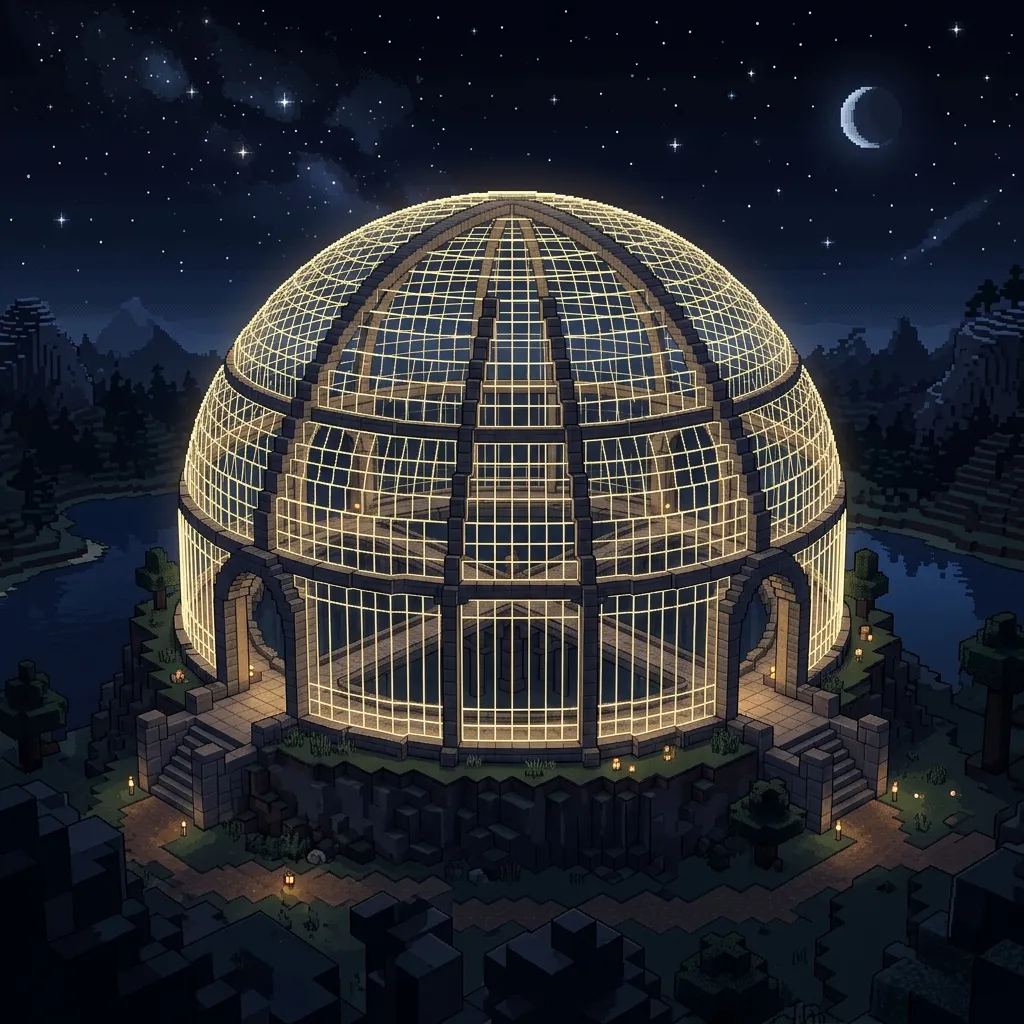
A dome is simply a stack of circles whose diameters decrease as you move upward. By generating a series of blueprints (e.g., 51, 49, 45, 39, 31, 19, 9) and stacking them layer by layer, you can create a perfectly smooth dome. For the exact math on this, check out our dedicated sphere building guide.
Thick Castle Walls
If you're building a fortress with walls that need to be exactly three blocks thick, don't just generate a radius of 50 and a radius of 47. Due to diagonal clustering, the walls won't be perfectly consistent. Instead, use the tool's built-in "Thickness" slider to accurately plot the inner and outer boundaries.
Survival Mode Workflows
Professional builders don't constantly switch between tabs while building. If you have a second monitor or a smartphone, load the generator on that screen. As you place blocks, you can tap the grid on your phone to mark them off, ensuring you never lose your place.
Additionally, the tool provides an exact block count for your shape. This means you can gather exactly how many stacks of stone bricks you need before you even start placing the foundation, saving you countless trips back to your storage room.
Wrapping Up
Don't let the grid limit your creativity. By utilizing precise templates, you can focus purely on design, material palettes, and detailing rather than struggling with geometry. Happy building!
Related Articles
The Science of Voxel Shapes: Mastering Advanced Sphere and Circle Architectures in Minecraft
The definitive guide to voxel geometry, advanced sphere architectures, and optimal block distribution for mega-structures in Minecraft as of 2026.
December 24, 2025How to Build Arches and Curved Bridges in Minecraft
Learn to build stunning arches and curved bridges in Minecraft. Master semi-circle techniques for aqueducts, doorways, and architectural masterpieces.
September 6, 2026Minecraft Circle Size Guide (2026): Exact Diameters for Any Build
2026 Minecraft Circle Size Guide: Find the exact circle diameter for towers, domes, nether hubs, crafter automation rooms, and arenas with block count charts.