Building circles in Minecraft seems straightforward—use a generator, follow the pattern, and place blocks. Yet even experienced builders fall into common traps that turn promising circular structures into frustrating failures. We've seen thousands of builds using our circle generator, and certain mistakes appear again and again.
In this guide, we'll explore the 5 most common mistakes when building circles in Minecraft and provide practical solutions to fix each one. Avoid these pitfalls, and your circular builds will look polished and professional every time.
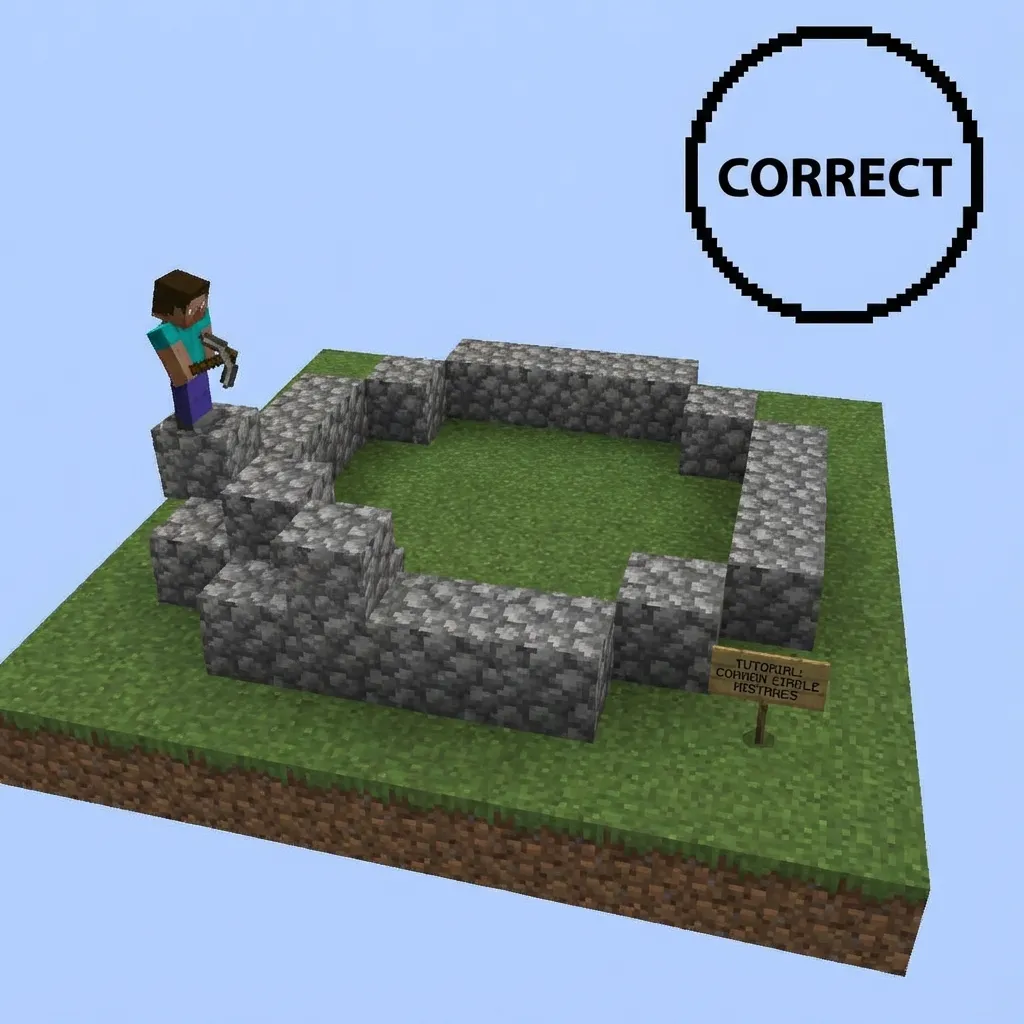
Starting Without Marking the Center
The single most common mistake is diving into building without first establishing and marking a clear center point. Without a reference center, builders often drift slightly with each layer or section they complete. By the time they're halfway done, the circle is noticeably off-center or lopsided.
This problem compounds when building domes or spheres, where every horizontal layer must share the same centerline. A small error at the base becomes a major misalignment at the top.
✅ The Solution
Before placing any blocks, establish your center point with a distinctive marker block. For odd-diameter circles, this is a single block. For even diameters, mark a 2×2 area. Use a brightly colored block like gold or glowstone so you can always spot it, and don't remove it until the entire build is complete.
Counting from the Edge Instead of the Center
Many builders start placing blocks from one edge of the circle and count inward. This seems logical, but it's a recipe for errors. Any miscounting early in the process throws off the entire opposite side, resulting in asymmetrical circles.
This mistake is especially problematic with larger circles where you're counting 30, 40, or more blocks. One missed count in the middle means the whole shape is wrong.
✅ The Solution
Always build from the center outward, working in quadrants:
- Start by placing the center marker
- Count outward to place the north, south, east, and west edges first
- Fill in one quadrant completely, then mirror it to the others
- Double-check that all four edges are equidistant from center
Using the Wrong Size for the Build Scale
Builders often choose circle sizes without considering how they'll look in context. A 7-block tower base might seem adequate on paper, but in practice, it looks angular and awkward—barely recognizable as a circle. Conversely, a 50-block diameter for a simple decorative fountain is overkill and wastes materials.
The "pixelated" nature of Minecraft circles is most visible at smaller sizes. Circles under 12 blocks in diameter have very obvious stepped edges that break the illusion of curvature.
✅ The Solution
Match your circle size to the build type:
- Decorative elements: 9-15 blocks minimum
- Tower bases: 15-25 blocks for smooth appearance
- Arenas and stadiums: 40+ blocks for spectator seating
- Spheres and domes: 21+ blocks to show proper curvature
When in doubt, go one size larger than you think you need. Larger circles always look smoother.
Preview Your Circle First
Use our generator to see exactly how your circle will look before you build.
Open Circle Generator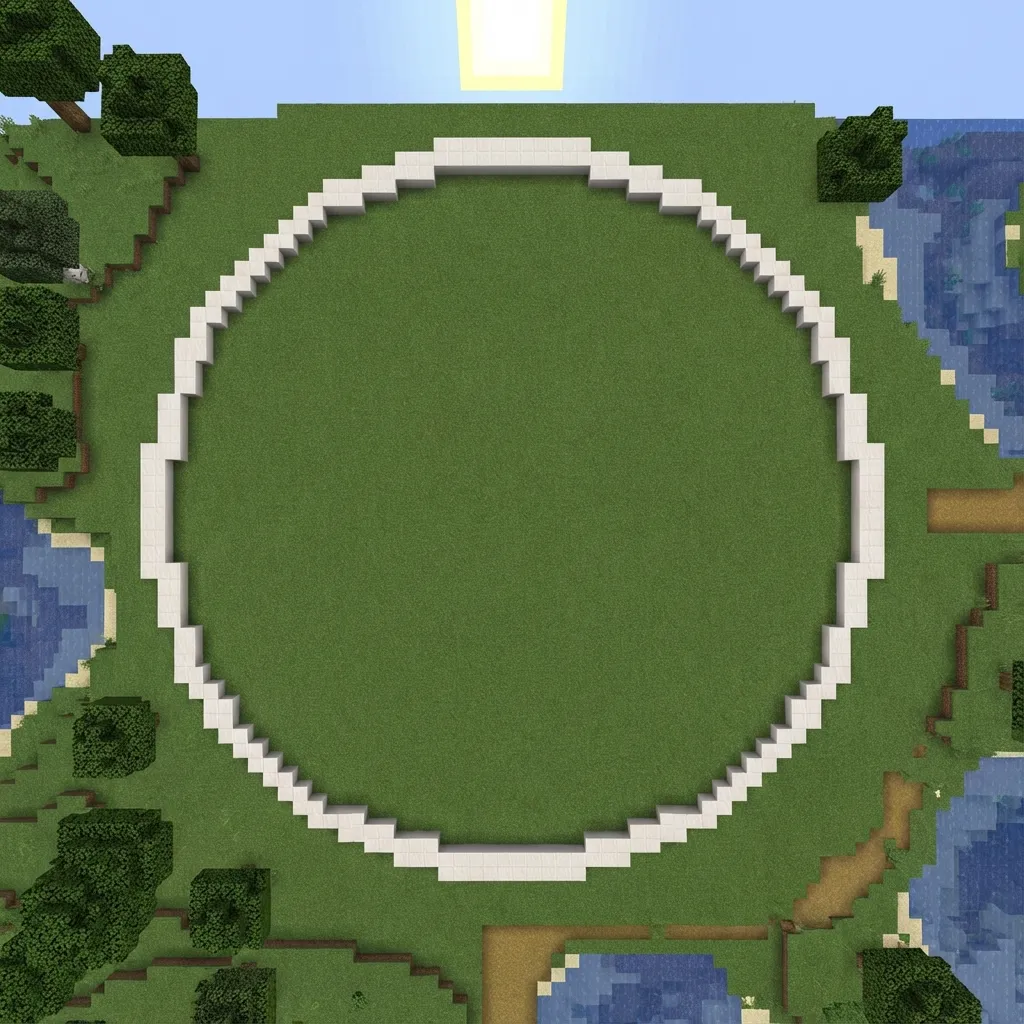
Ignoring the Odd/Even Diameter Difference
There's a fundamental difference between odd-diameter circles (15, 21, 31) and even-diameter circles (16, 20, 32) that many builders overlook. Odd circles have a single center block, while even circles have a 2×2 center. This affects everything from wall alignment to interior design.
Builders often realize too late that their even-diameter tower has no true center for a spiral staircase, or their odd-diameter floor doesn't tile properly with 2×2 patterns.
✅ The Solution
Choose your diameter deliberately based on your needs:
- Use ODD diameters when you need a true center: spiral staircases, central columns, fountain centerpieces
- Use EVEN diameters for 2×2 central features: double doors, nether portals, 4-block chimneys
Our generator's "Force Odd" and "Force Even" options ensure you get exactly the center type you need.
Not Verifying the Pattern Before Building
In the excitement of a new build, many players generate a circle, glance at it briefly, and immediately start placing blocks. Only after significant progress do they realize they needed a filled circle instead of an outline, or the thickness setting was wrong, or they should have used an oval instead.
Tearing down and rebuilding wastes time, resources (in survival mode), and motivation. Some builders abandon projects entirely after realizing they've built the wrong pattern.
✅ The Solution
Before placing a single block, verify your settings:
- Check that width and height match your intended size
- Confirm Filled is on/off based on whether you want a disc or ring
- Verify thickness for outline circles
- Download or screenshot the pattern for reference
- Count the total blocks shown—does it match your available materials?
The extra minute of verification saves hours of correction later.
Bonus Tips for Perfect Circles
💡 Build in Creative First
For survival builds, test your circle in a creative world first. This lets you verify the size, spot potential issues, and practice the pattern before investing valuable resources.
💡 Use Scaffolding for Large Builds
When building circles larger than 20 blocks, scaffolding makes it much easier to access all areas without constantly breaking and placing temporary blocks.
💡 Step Back Regularly
Every few minutes, move 20-30 blocks away from your build site and look at the overall shape. Errors that are invisible up close become obvious from a distance.
When Things Go Wrong
Even with careful planning, mistakes happen. If you discover an error mid-build:
- Stop immediately. Don't try to "fix it as you go"—this usually makes things worse.
- Identify the root cause. Is the center marked correctly? Did you miscount somewhere?
- Count from your center marker outward in all four cardinal directions to find where the error occurred.
- Fix from the error point, not from the edge. Correcting the mistake at its source prevents cascading fixes.
💡 Remember
Making mistakes is part of learning. Every experienced Minecraft builder has torn down and rebuilt circles multiple times. The key is learning from each mistake so you don't repeat it.
Take Your Circle Building Further
Now that you know what mistakes to avoid, you're ready for more advanced techniques. Check out these guides to level up your circular building skills:
- Beginner's Guide to Using the Circle Generator for mastering all the tool features
- How to Build a Sphere for 3D circular structures
- Best Materials for Domes to choose the perfect blocks
Build Perfect Circles Every Time
Use our free generator and avoid these common mistakes.
Open Circle Generator